SmartTask: The All-in-One Team Collaboration Software
SmartTask is a top-rated online collaboration tool that helps teams solve confusion and poor communication by keeping all project details in one place. Instead of struggling with scattered files and unclear task ownership, businesses use SmartTask to assign tasks, track progress, and collaborate easily. This means everyone knows what to do, deadlines are clear, and team productivity rises fast.
- Project managers save time by using SmartTask’s project templates, custom fields, and instant messaging to set up projects and update their teams quickly.
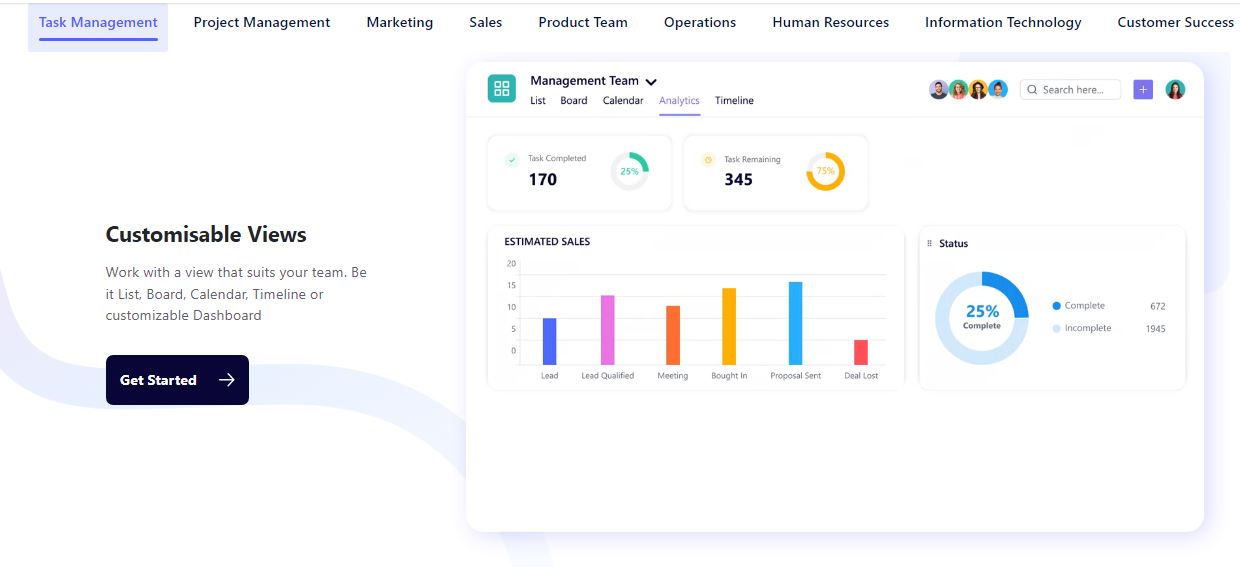
- Sales teams benefit from built-in CRM features that track leads and offer real-time analytics, helping grow sales without switching tools.
- Clients can join projects as guests, so feedback and updates happen in one platform, avoiding email chains and missed messages.
SmartTask integrates with other popular apps, making it fit easily into existing workflows. With a free plan and affordable upgrades, implementation costs are low. Compared to tools like Asana or Trello, SmartTask gives more features like CRM and automation in one platform, so teams don’t need to buy extra software.
SmartTask Video Tutorial

SmartTask Features
Technical Specifications
Customer Reviews
SmartTask is a highly advanced solution for work management to improve productivity and progress in the organization.
Fantastic experience!! it meets all my expectations. I found almost all the features available to make a plan for a day or in advance. This has been a really good team productivity software. I like the feature that allows you to add other team members to a Task list, and assign them their tasks.