Boost Team Productivity with Airtable: Easy Project Management Software
Airtable makes organizing your work simple and efficient. Combining the strength of a database with the familiar feel of a spreadsheet, Airtable helps project managers and small businesses keep tasks, deadlines, and files in one place—no technical skills needed.
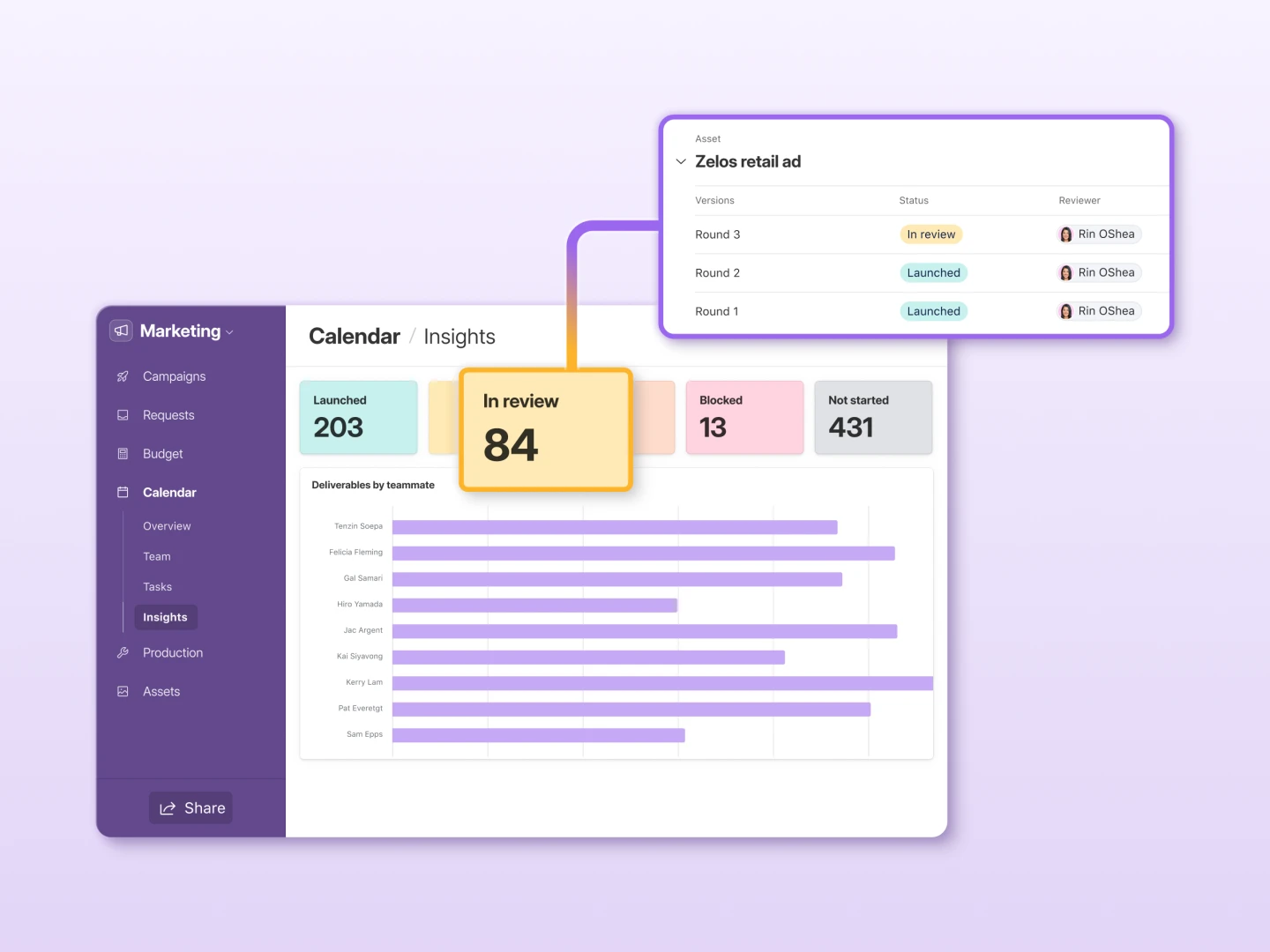
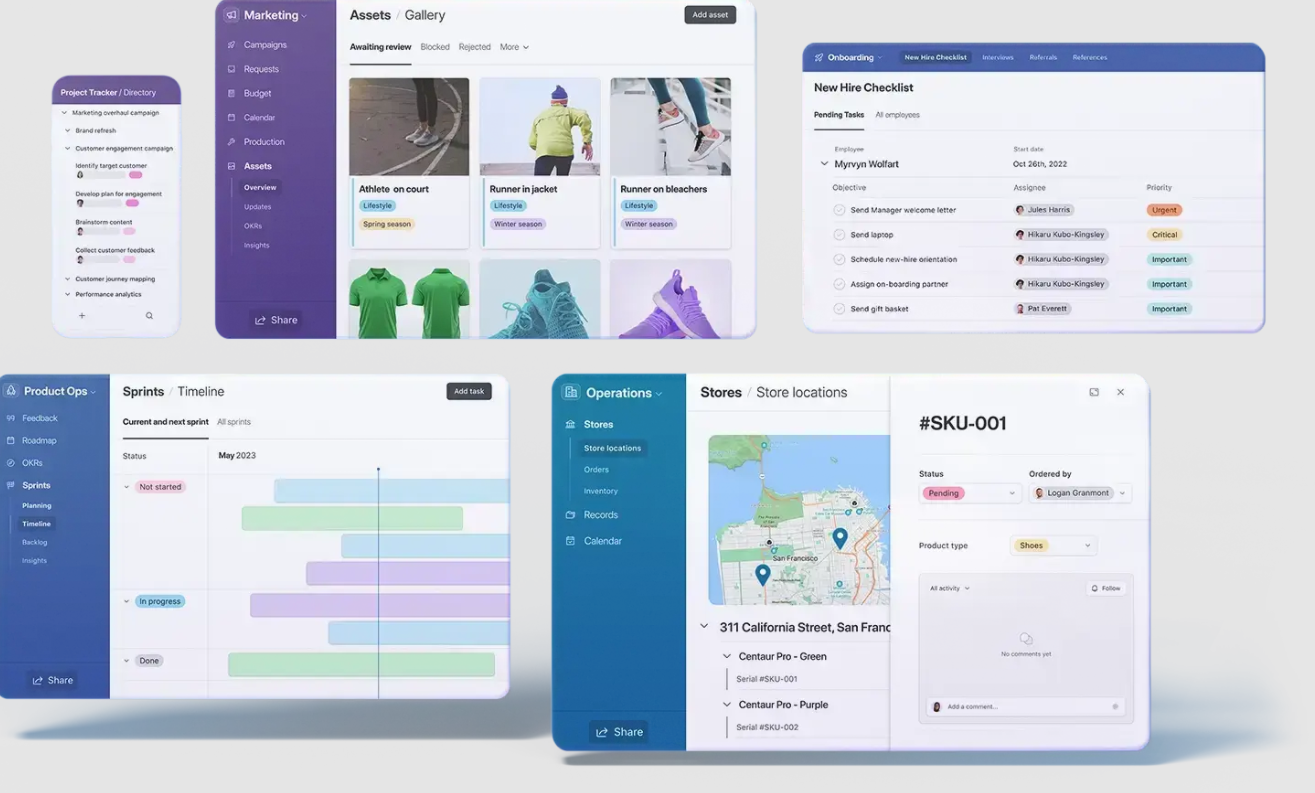
If your team struggles with scattered data or missed deadlines, Airtable's real-time collaboration solves these problems by letting everyone view updates instantly. You can customize how you see your work—choose grid for detailed lists, calendar for scheduling, Kanban for workflow, or gallery and forms for visual tasks. This flexibility means marketing teams, event planners, or content creators can adapt Airtable to fit their workflow and get more done in less time.
Easy Integration and Low Implementation Cost
Airtable connects smoothly with tools like Slack, Google Drive, and more, so data flows seamlessly between your favorite apps. Getting started is affordable since there’s a free plan and quick setup, keeping costs low for small businesses.
Airtable vs Other Tools
- Airtable: More flexible than Trello, easier than Excel, and supports custom automations for SEO and marketing tasks.
- Trello: Great for simple task lists, but limited data options.
- Google Sheets: Powerful for raw data, but lacks easy collaboration views and integrations.
Airtable stands out by giving teams a powerful, affordable way to manage projects, track SEO, and improve workflows.
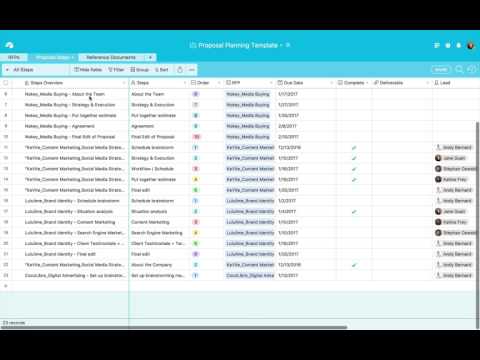
Airtable Video Tutorial
Airtable Features
Airtable Pricing
| Plan | Price | Model |
|---|---|---|
| Standard | $20.00 | Per Month |
Technical Specifications
Customer Reviews
Airtable is like an advanced spreadsheet that handles simple and complex datasets
We Review Grower use Airtable. My preference for project management software goes to Airtable. If your company is currently utilizing Microsoft Excel or Google Sheets for project management but is looking to upgrade, Airtable is the way to go. While its spreadsheet-like interface is its most recognizable feature, it supports additional project views like Kanban card stacks, galleries, grids, calendars, and Gantt/timeline charts. Since it can be easily integrated with other systems, this program is useful for any business that relies heavily on data. Dropbox and Salesforce data imports are supported, for instance. Alternatively, you can collect information from the project's participants, target users, or beneficiaries by making a form and sending them a link. Then, use premade templates and simple drag-and-drop tools to examine data from various angles, monitor data utilization, and plan accordingly.
Airtable is highly recommendable as it is intuitive and user-friendly
We WinIt use Airtable. Airtable is great for small businesses because it's intuitive and user-friendly and can work with your team members who have different comfort levels with technology. It offers multiple ways of visualizing and organizing projects, including grid, Kaban, and gallery views. It's the perfect software to introduce to your small business, and user-friendly enough for everyone to use.
Airtable has an intuitive interface and is perfect to serve your team\'s needs
We Web Hosting Advices use Airtable. It is an adaptable low-code platform that encourages the development of one-of-a-kind solutions by groups of people working together. It's got a ton of amazing features, like the ability to customize processes, dashboards, and applications for a wide range of business needs, from advertising and marketing to human resources and accounting to manufacturing and project management. The software has an intuitive interface, pre-made frameworks that may be modified with a simple drag-and-drop interface, and low-code coding methods and pre-built plugins. To better serve your team's needs, you may tailor just about every aspect of Airtable to your liking.
Airtable is a powerful and centralized tool for any sized organization to track and manage their projects and financial deeds.
Our team is using Airtable for CRM as well as for accounting services. This online tool system has all essential and nice inbuilt features like creating and editing the database required to manage entire financial activities and other related things for an enterprise. It is providing a great spreadsheet to make your work run smoothly and stressless.
Our go to software for managing entire content creation workflow
At Intelus Agency, we use Airtable daily for around 2 years to manage the entire content creation workflow for our clients. The pros are how well it integrates with Slack, the con is that it does not directly integrate with Canva.
All-in-one tool and a perfect perfect choice for comprehensive functionalities
We Passport Photo Online use Airtable. The most notable advantage of Airtable is its ability to combine project management and data visualization. I value its wide range of templates, so managers of all departments can benefit from it. Also, Airtable integrates with various apps, including Zapier, Slack, and Google Drive. We can automate our processes, which speeds up our work. Airtable lacks communication solutions - you can comment and discuss issues one-on-one, but there is no general discussion tab. The design of this tool is extensive and unintuitive, making it take some time to learn. But, some things could be improved.
Airtable combines the greatest aspects of both the spreadsheets and databases.
We at Incrementors use Airtable because it is adaptable and simple to use, and it works well for businesses of all sizes. It lacks comprehensive reporting capabilities, which may be a concern for certain users. The database may be used to hold information for task management and project planning. Many users like the flexibility of data arrangement that Airtable's spreadsheets enable.
Really like Airtable and the ability to bring it into multiple other programs we use
Pros: The ability to collaborate and integrate Cons: I haven't run into any so far
Brillaint program
Airtable is a complex Excel-style database that on initial inspection seems very plain. However its beauty lies in the fact it can be used in a multitude of ways. As a small digital marketing and web design agency we needed a project management platform that could cater for all our needs. Airtable was the only program after testing 20 others that could handle web development tasks, content calendars, marketing tasks, feedback from clients and asset management. Well worth test driving.
MVP of our MVP
Airtable has been a lifesaver for us as a small company that is rapidly prototyping upcoming features or growth strategies. Initially we were using it primarily as a CMS for our marketing and sales teams. It gave them easy access to various properties and information from our database and linked everything with it's own powerful database-like records. This allowed them to quickly create showcases for the best products on our app as well as made it really easy to filter and group by a variety of properties. This made prepping for customer calls and lookups during them significantly easier and doubled our daily outreach. After the success and adoption of Airtable on the marketing and sales teams, we cautiously started to use it as a prototyping tool on the engineering side. Airtable's API documentation (and live playground style scratchpads) made it very easy to implement within our codebase. We were able to use the database-like functionality as MVPs for user-facing features, allowing us to test out feature adoption without needing to create new models and APIs on our own end. This enabled us to pre-release Alpha versions of our features to a test group using feature flags while we refined the experience based on user feedback. Airtable has become an integral application within our company's toolchain and tech stack and we are very satisfied with everything that we've been able to accomplish through it. Highly recommended to anyone. Start with the basic functionality - such as possibly replacing a spreadsheet, and then explore the various templates and functionality to see how it fits your needs.
Very useful
Pros: Very flexible Cons: Very complex Overall Experience: Useful including the app
Happy customer
Pros: Can do sheets + Trello + calendar + word together. Cons: Steep steep learning curve for beginners on our team. The mobile app has very limited features and so it needs to be more mobile friendly. Overall Experience: Happy using Airtable after spending years on slack + Trello, slack + asana etc.