Sellsy CRM: Streamline Your Business, Boost Customer Relationships
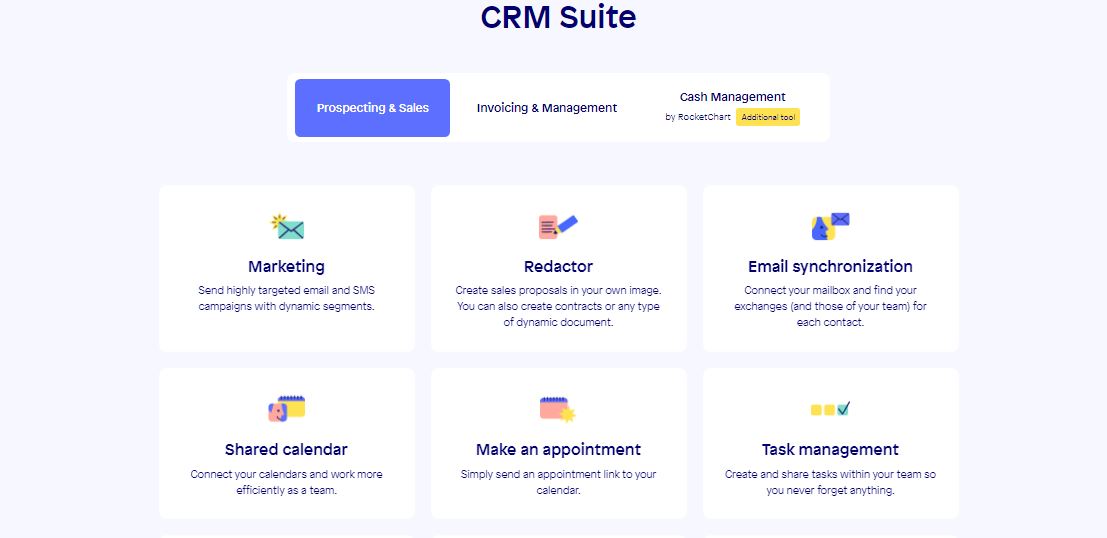
Sellsy CRM is an all-in-one cloud-based solution designed for small and midsize businesses that want to improve sales, invoicing, and customer management. Its user-friendly platform lets marketing, sales, and admin teams work together easily, which helps businesses close deals faster and provide better service to clients.
How Sellsy Solves Key Business Problems
-
Problem: Tracking and managing customer interactions efficiently.
Solution: Sellsy’s CRM suite gives you a 360-degree view of every client, with synced emails, calls, and meetings. This means sales teams never miss follow-ups, leading to more conversions and happier customers. -
Problem: Delayed invoicing and payment issues.
Solution: Automated invoicing and real-time billing tools speed up the payment process, improving cash flow for business owners. -
Problem: Disorganized team collaboration.
Solution: With shared calendars, task management, and internal chat, teams stay aligned, reducing mistakes and saving time.
Integration & Implementation
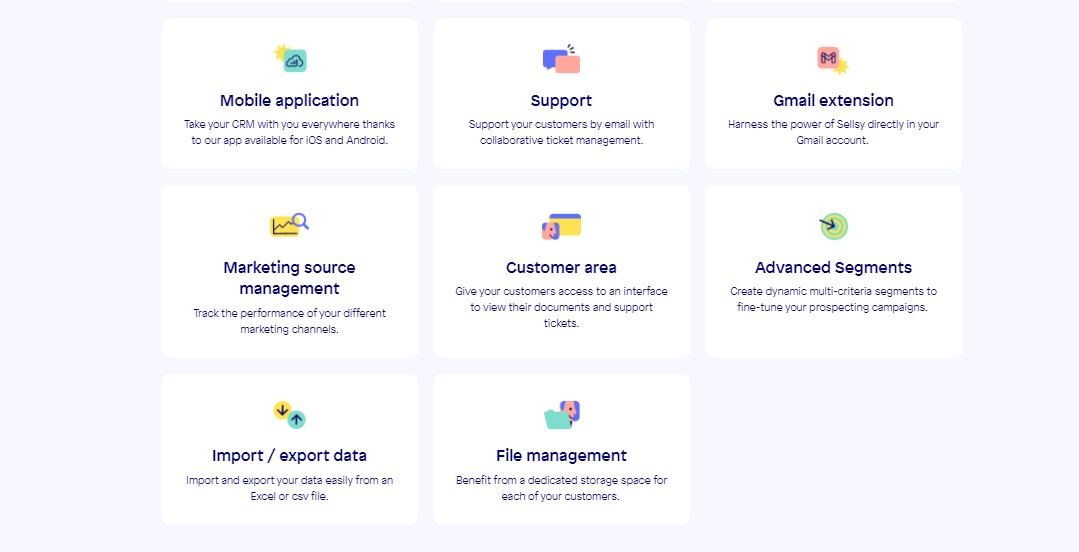
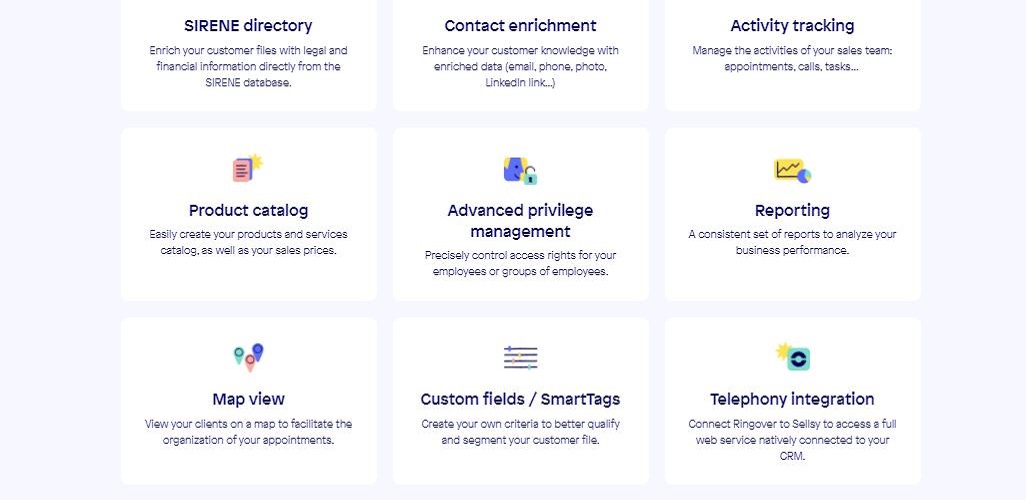
Sellsy integrates smoothly with popular tools like email services and call center solutions, and features a robust API for custom connections. Setup is quick, and costs are affordable for small to midsize companies, improving ROI without complex IT work.
Sellsy vs. Other CRM Solutions
Unlike basic CRM software, Sellsy combines invoicing, project management, and marketing automation in one platform, reducing the need for multiple subscriptions and making business management simpler.
Sellsy Video Tutorial

Sellsy Features
Sellsy Pricing
| Plan | Price | Model |
|---|---|---|
| Standard | $30.00 | Per Month |