Keap CRM: Simplifying Small Business Growth with Marketing Automation
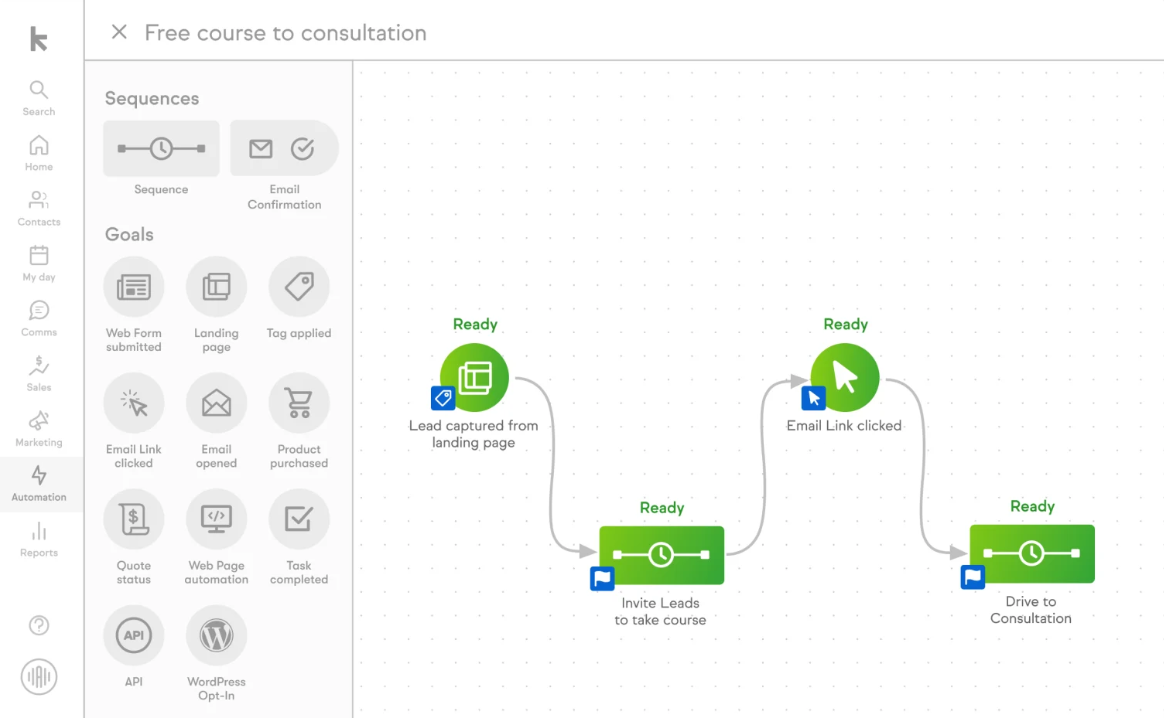
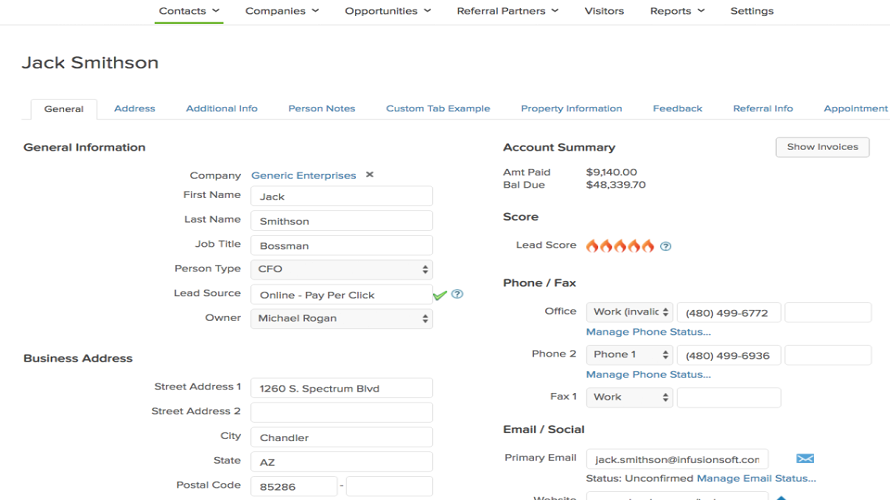
Keap CRM software helps small businesses manage customers and sales from one easy dashboard, solving the problem of wasted time switching between tools. Automated sales and marketing features handle tasks like sending follow-ups and tracking leads, so business owners can focus on growing their company instead of manual updates. This means business owners save time and never miss a sales opportunity, resulting in more deals and happier customers.
With Keap’s analytics dashboard, users see which marketing campaigns work, so they can spend money smarter and boost profits. By segmenting contacts and personalizing messages, businesses build stronger customer relationships and increase repeat sales.
Keap connects smoothly with payment, accounting, and invoicing apps, making it easy to manage finances in one place. Implementation is quick for small teams, with costs lower than many full-scale enterprise systems. Keap also offers a free trial for hands-on testing and customization.
- Compared to other CRM systems like Salesforce and HubSpot, Keap is easier to set up, costs less, and is tailored for small businesses that need powerful automation and simple integrations.
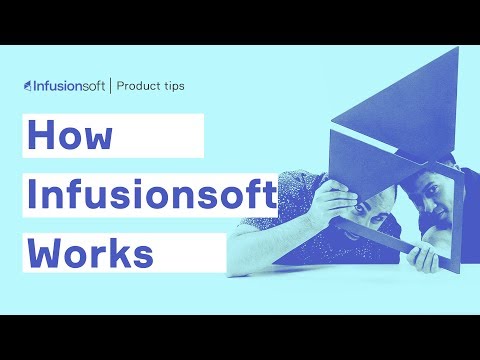
Keap Video Tutorial
Keap Features
Technical Specifications
Customer Reviews
Keap honest review
Using Keap has been a generally positive experience. As an all-in-one CRM and marketing automation tool, it provides a lot of value for small businesses and entrepreneurs. The interface is clean and intuitive, making it easy to get started even for users with limited technical experience. The platform's ability to automate repetitive tasks, manage customer data, and streamline communications is something that really sets it apart from other CRMs. However, it does have a learning curve, especially when it comes to more advanced features like workflow automation and email marketing campaigns. The support documentation is quite helpful, but I found that I needed to spend some time experimenting with the different tools to fully understand their capabilities.
Keap helps us to obtain constructive sales leads for our business
In CreditYelp business operations, we use Keap as our marketing automation tool. It also serves as a good customer relation software for us to collect, organize and track the data to acquire better leads for our consistent sales. The user-friendly interface is one of the pros of this tool, and fewer customization features seem to be the disadvantage we face with this software. We have been using this software for more than a year. Once a month, we connect with this tool to obtain constructive sales leads for our business.
Email marketing Tool
At F1 Chronicle we use (and love) Keap(Infusionsoft) because although it has the nickname 'Confusionsoft' we find the simplicity of their drag and drop broadcasts for newsletters perfect for our team, which often includes VA's with little experience on the platform. When we want to run reports, we're able to get such granular detail on people on our list, then tag and target them with either nurturing sequences via email, or with Facebook ads. An often overlooked thing is deliverability, so using this trusted platform has definitely helped us to hit more inboxes instead of 'promotion' or spam folders too. On the downside, it is a pain to set up products and order forms if you want to sell online products.
Best
Clone yourself
Infusionsoft essentially allows me to cline myself. I an automate many aspects of my business so systems and processes are executed without needing my attention. This allows me to work on my business instead of in my business.
Infusionsoft
As a first time user, who is "time poor" I found it overly complicated, some things didn't work how I'd expect and it's too expensive. I wish I'd gone down click funnels.
Automate your business
Infusion soft is not for the unengaged business owner as it will have a learning curve. However they offer excellent support and training and the end result will save you time and potentially increase your sales. Definately worth a hard look
A software that does practically everything for you!
We used Infusionsoft at our company which is a retailer of medical supplies and devices for the spinal-cord injury population. It is a way to keep track of sales within our customer base and help us to identify where we need to 'stir up the pot' more or loosen the reins! I found it to be extremely easy to learn and use, and great for team-interacting when multiple people are accessing the same customers. There is so much functionality that we really didn't need to leverage any other software nor learn additional tools. It has allowed us to scale our business efficiently and professionally. I highly recommend it!
Great Tool for Many Businesses
Pros: Easy user interface. Cons: No native integrations.
Good experience with Infusionsoft
Pros: Easy to use Cons: Not sure
Good tool for our company
Pros: So good with the sales funnel. Cons: None
Overall Experience: Good
Pros: Custom campaigns Cons: Can be overwhelming to manage and slow at times.
Best CRM & MArketing Automation Software
Pros: Infusionsoft is really robust. It offers a variety of options for the campaign automation and can really help those who need a more detailed automation process. According to Marketing Automation Software, The reporting system is also very detailed. You can get reports on contacts, emails, etc. It helps when you need to know exactly how your campaigns are doing especially when you have a lot of them. Cons: The biggest con for Infusionsoft is its learning curve. It's a robust system, but that comes at the cost of a bad UI, hard to learn automation and a confusing development process. The backend of Infusionsoft has a lot in it and that often results in trying to find certain options or settings that aren't always where you'd think they'd be. According to Marketing Automation Software, The development API is poorly documented and just as confusing as the Infusionsoft UI. We built a web application that connected to our Infusionsoft account, but it was a confusing process to setup and also ran pretty slow with next to no options to optimize it.