Why Choose ClickUp for Project Management?
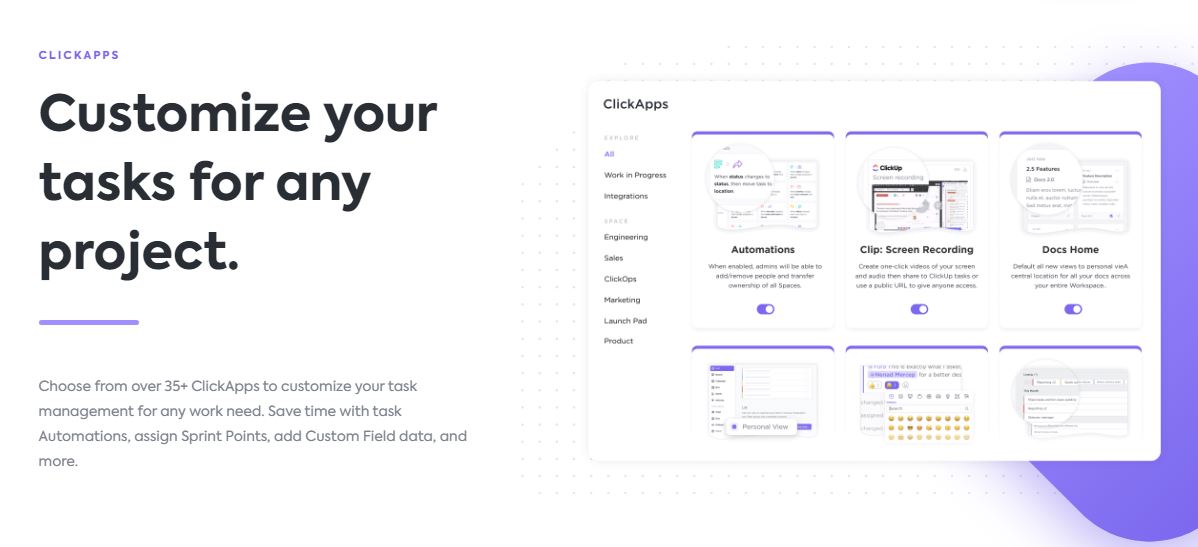
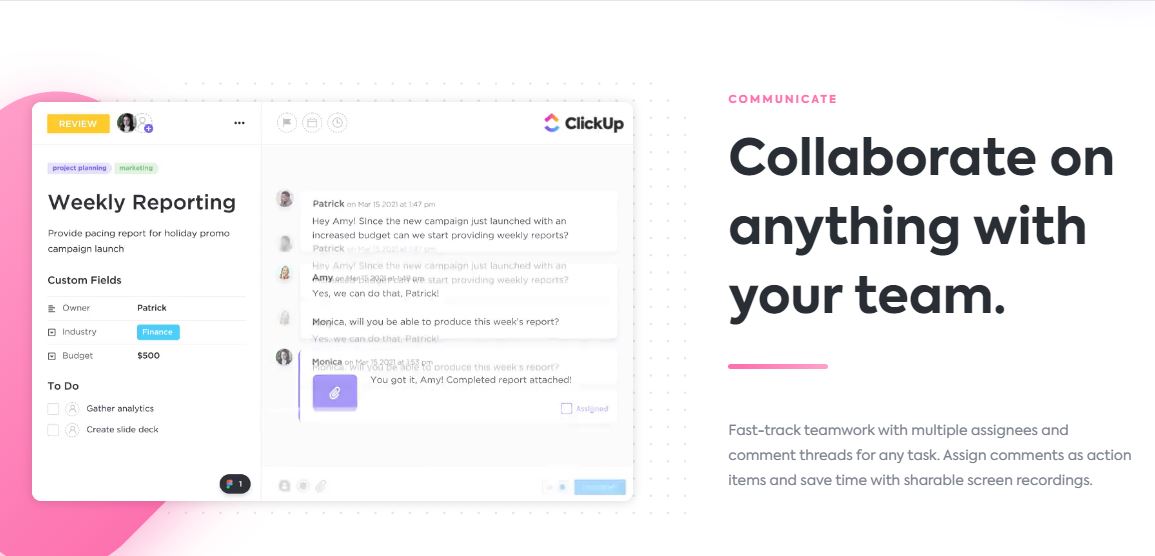
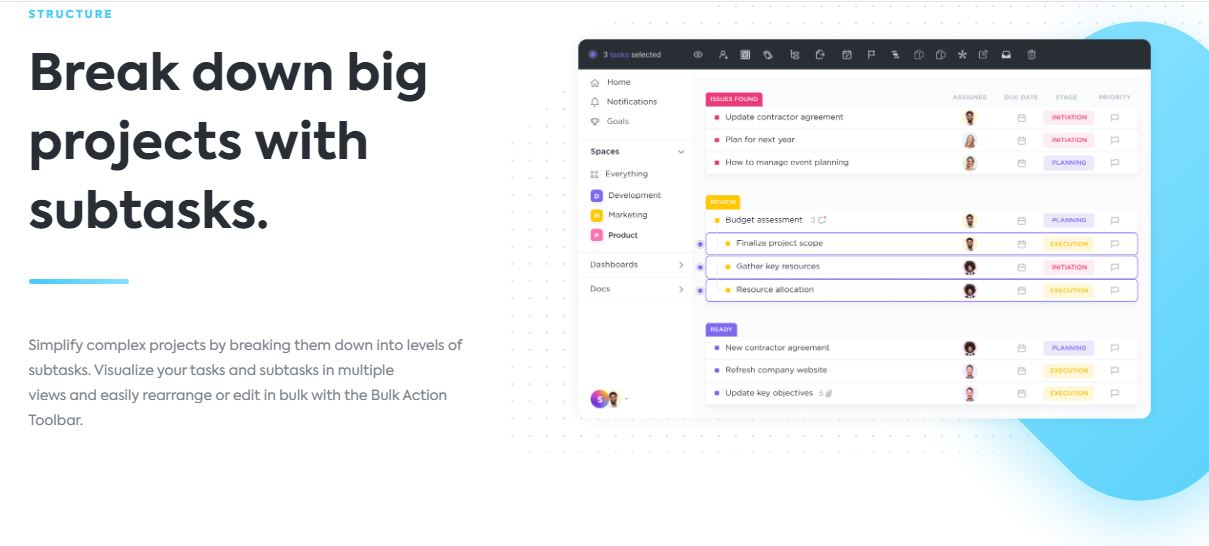
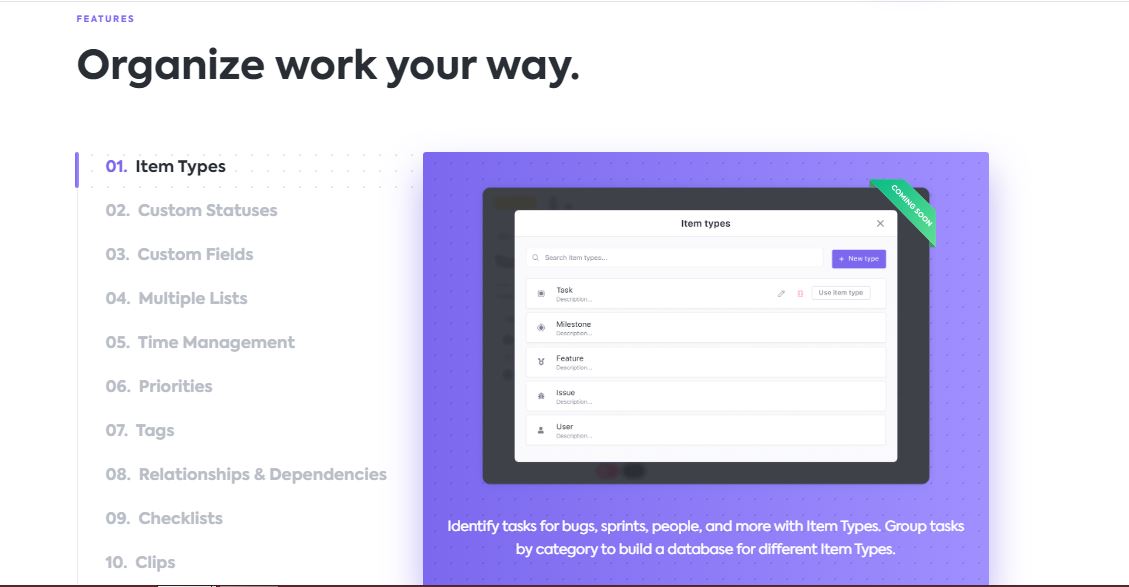
ClickUp is a top project management software helping businesses boost efficiency and team collaboration. It solves common problems like scattered workflows and missed deadlines by offering customizable dashboards, where teams can organize projects, set priorities, and view tasks in ways that fit their unique needs. This means marketing teams, IT departments, and remote workers can streamline their work, focus on key tasks, and finish projects faster, leading to higher productivity and fewer mistakes.
How ClickUp Solves Team Challenges
For example, Finastra, a global financial services company, used ClickUp to centralize their campaign planning. This helped management easily track progress across different teams, improving project visibility and raising collaboration efficiency by up to 30%.
Integration and Implementation
ClickUp integrates smoothly with tools like Slack, Google Drive, and Zapier, allowing you to connect existing apps and reduce manual work. Getting started is affordable compared to advanced competitors, and ClickUp’s simple interface reduces training time for teams of any size.
ClickUp vs. Other Solutions
- ClickUp: Custom views, workflow automation, time tracking, broad integrations.
- Trello: Simpler, but fewer features and limited reporting.
- Asana: Great for task management, but fewer view options.
ClickUp stands out for its adaptability, easy integrations, and all-in-one dashboard, making it ideal for businesses looking to simplify project management and boost team output.
Clickup Video Tutorial

Clickup Features
Clickup Pricing
| Plan | Price | Model |
|---|---|---|
| Standard | $7.00 | Per Month |
Technical Specifications
Customer Reviews
ClickUp helped in managing tasks as it is easy to understand and use
We Rize use ClickUp. As a Business Reputation Consultant, ClickUp helped in managing tasks as it is easy to understand and use. The layout is simple and intuitive in creating tasks, and ticking them off once done. It is easy to prioritize tasks and assign them to a respective person as per project needs. ClickUp also made it easy for our team to communicate, share files, and stay updated on tasks. It helped us keep track of our workload effectively. We could create task hierarchies and set dependencies, which made managing complex projects easier. Customizing it according to priority and who is assigned to it is a breeze.
Beacause of Prima it\'s been a positive move for everyone in my company
Ever since we, Prima began using ClickUp as our project management software, my company has been able to track productivity among employees meticulously.It’s been a positive move for everyone, as all the hard work we do each day never goes unnoticed. ClickUp enables us to identify bottlenecks in our workflow and address them swiftly. Seeing a visual dashboard of all ongoing projects and where they stand helps us prioritize tasks in a meaningful way. We’ve also implemented productivity-based rewards and recognitions when it’s clear someone is going above and beyond.
Clickup allows us Smooth real-time internal communications within the organization
We Be Zen currently use Clickup for managing our content creation and content marketing. We have been using Clickup for the past year on a daily basis.
ClickUp offers toolbar that can be used for multi tasking
We EasyPeopleSearch are using ClickUp. We have been using it for the last 1 year on daily basis. It supports four different views for task management, ranging from assignee to manager. It has hierarchy levels for both individual users and businesses. It has a toolbar for multitasking that can also be used for subtasks. It has a toolbar for multitasking that can also be used for subtasks. The dashboard cannot be exported.
It is very easy to use and the best part it that one can share tasks with each other within the organization
At BeadNova, we use ClickUp task management software. We started using ClickUp during Covid 19. We use ClickUp daily and assign the task to each member on it.
ClickUp offers a multi-tasking toolbar that can be utilized for subtasks.
My company RealPeopleFinder uses ClickUp as a Task Management Software. My company has been using this software for the last three years. My company uses this software every week.
ClickUp is our go-to task management software tool that helps us plan, collaborate, and organize projects within the company.
We WeLoans use Clickup as our task management software. Usually, we use it every week, and we customize the tool to suit all our needs. The tool helps us fast-track collaboration projects and break them down into subtasks to make them simple.
ClickUp allows for easy tracking and reporting, with a simplified UX design.
After working with ASANA, FreeBase, and Trello; my company finds ClickUp to be the best design and easiest usability. As a business consists of many departments you are able to create different spaces within that are private to only those who are concerned. For example, someone in Accounting won't receive an update from someone in Customer Service. It offers different UX designs that are suitable to how that person is able to digest information, which is very important when wanting to consider your different employees' needs. It is easy to tag and converse with people, and most importantly, track your projects' progress. Tracking progress made simple by ClickUp reduces the time spent in filling out KPIs.
I would recommend ClickUp for small business to effectively manage your projects.
The Project Planning Software that we at CoffeeGeek TV are currently using is ClickUp. We have been using this for quite a few months now and would like to address its pros and cons as below.
With ClickUp, I have been able to keep everyone involved in the flow of work and processes.
The pandemic time made me try several project management tools at my company, but after experiencing them, the one that worked better for the business was ClickUp. So, talking about pros first, we found ClickUp quite extensive concerning its applications, a good space for internal communication between the teams, and progress tracking. Its built-in features are a cherry on the top, for example, the creation of documents within the workspace with sharing settings makes it easy to keep track of things. And, the prompt notifications and updates of the actions executed by each team member make proceedings transparent. For cons, the most important one has been the observation that my new teammates find the interface and extensive functionalities quite daunting. It needs quite some learning materials and time for them to get hold of the tool. Along with that, the ClickUp holds no functionality of ordering projects based on the time of their creation which stands misleading for members sometimes.
It provides everything in one place
At Beaufort Associates, we use Clickup. The best thing about the ClickUp app is that it provides everything in one place. Using it, you can centralize all workflows, to-do lists, calendars, emails, events, project management, and spreadsheets. I also like its rich set of features and ease of use. You can register an unlimited number of users on all plans. The app allows for rich customization and fits many business models. For me, the only downside to this app is the number of possibilities in the beginning, and it can be a bit daunting to know where to start.
ClickUp is a beast that is still growing
At Be Media, we use ClickUp for project management. ClickUp is a beast that is still growing and getting better and better.ClickUp is still developing but the owners are heavily invested in product innovation.
Offers a very big bang for its buck
At ChillyBin Web Design we've trialed and tried most of the leading project management solutions on the market over the past 10 years. We work with projects that are fixed in scope, but also projects that are flexible in their requirements so we need a solution that can scale with us and offers the right amount of customizability and is easy to get started with, and is easy for our team to use on a daily basis. We're currently using ClickUp and are extremely satisfied on its offering, the price point is great for our 10 person team and the feature set is outstanding, supporting multiple views, custom fields, and different workspaces and projects as well as guest users so some of our clients are able to check their projects progress. It has integrations with some of the major saas platforms for storage in Dropbox, it has inbuilt Gantt charts and time tracking with repeatable tasks really easy to setup. Essentially it offers a very big bang for its buck.
Perfect software for us
"At our Agency, Tao Digital Marketing, we use ClickUp. We used other software too but found that it lacked the integration capabilities ClickUp provides. ClickUp also has a handy Chrome extension which allows you to track time, take screenshots, make notes, etc. All of these can be added to tasks as you are working on them. Cutting out the need for apps like Clockify and Fireshot. Another feature that I, in particular, find useful is the reporting function. On here you can track the time people have spent on a specific task, whether or not people are behind, what people have worked on particular. This can be adjusted by changing the date too. You can also set up goals, they can be personal or team goals too. These goals are useful in helping motivate team members to better themselves and to track KPIs. The con of this software is: Most of the good features I mentioned do mean that you have to pay to access them. However, the free version is still just as good and you can still use the chrome extension!